Gboard
Télécharger l'APKGboard Captures d'écran de l'application


Gboard AI Avis de l'éditeur
Gboard is a feature-rich keyboard app by Google, offering seamless integration with Google services, GIF search, multilingual support, and customizable themes. It's fast, reliable, and enhances the typing experience on Android devices.
Analyse complète
Gboard is Google's keyboard app for Android, known for its speed and extensive features. It offers seamless integration with Google Search, Translate, and GIF search, making it convenient to access these services directly from the keyboard. The app supports gesture typing, voice input, and a wide range of languages. Users can customize the keyboard with various themes and layouts. While Gboard provides a smooth and accurate typing experience, some users may find the interface cluttered due to the abundance of features. Privacy concerns regarding data collection are also worth considering.
Principaux avantages
- Excellent Google service integration (Search, Translate, etc.)
- Wide range of customizable themes and layouts
- Smooth and accurate typing with gesture typing and voice input
Domaines d'amélioration
- Can sometimes feel cluttered with too many features
- Privacy concerns regarding data collection by Google
La description de Gboard
Site Editorial Commentary:Fast and smart typing with Emojis, GIFs, and more
Gboard, the smart keyboard from Google, brings everything you appreciate about Google Keyboard to your fingertips, enhanced with AI-powered features. Experience unparalleled speed and reliability, coupled with intuitive functionalities like Glide Typing for swift, fluid input by sliding your finger across letters. Utilize voice typing to effortlessly dictate text when you're on the move. Embrace the art of Handwriting to input text in both cursive and print styles. Find emojis and GIFs quickly to express yourself better. Gboard's standout features include seamless multilingual typing, eliminating the need for manual language switching, as it intelligently autocorrects and suggests words from your enabled languages. Integrated Google Translate allows real-time translation within the keyboard, making communication across languages effortless. *Please note that Handwriting, Emoji Search, and GIFs are not supported on Android Go devices. Enjoy support for hundreds of language varieties. (Visit https://goo.gl/fMQ85U for the full list of languages supported) Gboard extends its capabilities to Wear OS, bringing speed, reliability, Glide Typing, and Voice Typing to your smartwatch. Emoji Typing lets you find emojis on your wrist. All Wear OS languages are supported. Pro tips to enhance your Gboard experience: • Gesture cursor control: Slide your finger across the space bar to precisely position the cursor. • Gesture delete: Swipe left from the delete key to rapidly erase multiple words. • Enable a persistent number row via Settings → Preferences → Number Row. • Activate symbol hints for quick access to symbols with a long press (Settings → Preferences → Long press for symbols). • Utilize one-handed mode on large screen phones by pinning the keyboard to either the left or right side. • Personalize your keyboard with custom themes, with or without key borders, to match your style.Nouveautés
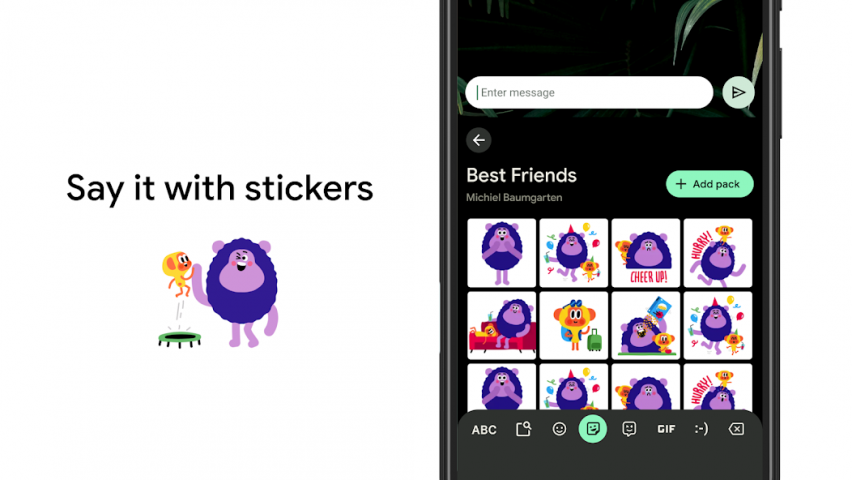
• Create and share custom stickers quickly within Gboard. This feature is powered by Pixel Studio and is available on Pixel 9+ devices in English, Japanese, and German in selected countries.• Download the beta version to give feedback on upcoming improvements https://goo.gl/8Ksj7x


